

Layouts
The layout components of the advanced editor set how the items of a form are arranged. There are three, and they can be nested one inside another. How to use them in the editor is explained in Build a form with the advanced editor.
Flow layout
Section titled “Flow layout”Places components next to each other, like the words of a text: when the space runs out, the following ones wrap to a new line.
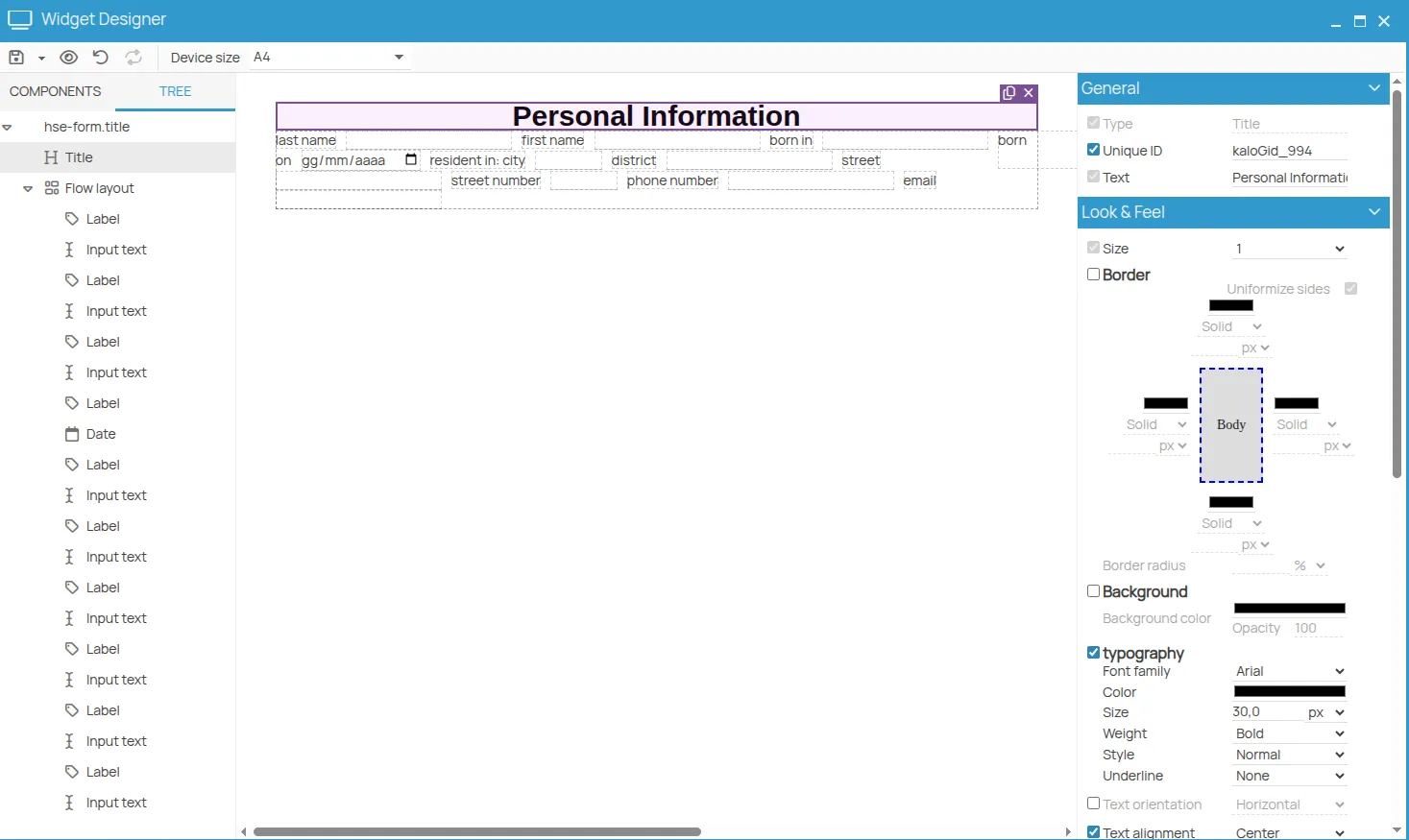
Not every component can be arranged this way: titles and labeled inputs always start on a new line.
Row layout
Section titled “Row layout”Places components on one line, like the flow layout, but controls how they are distributed: items can be spaced evenly, centred or aligned to the right.
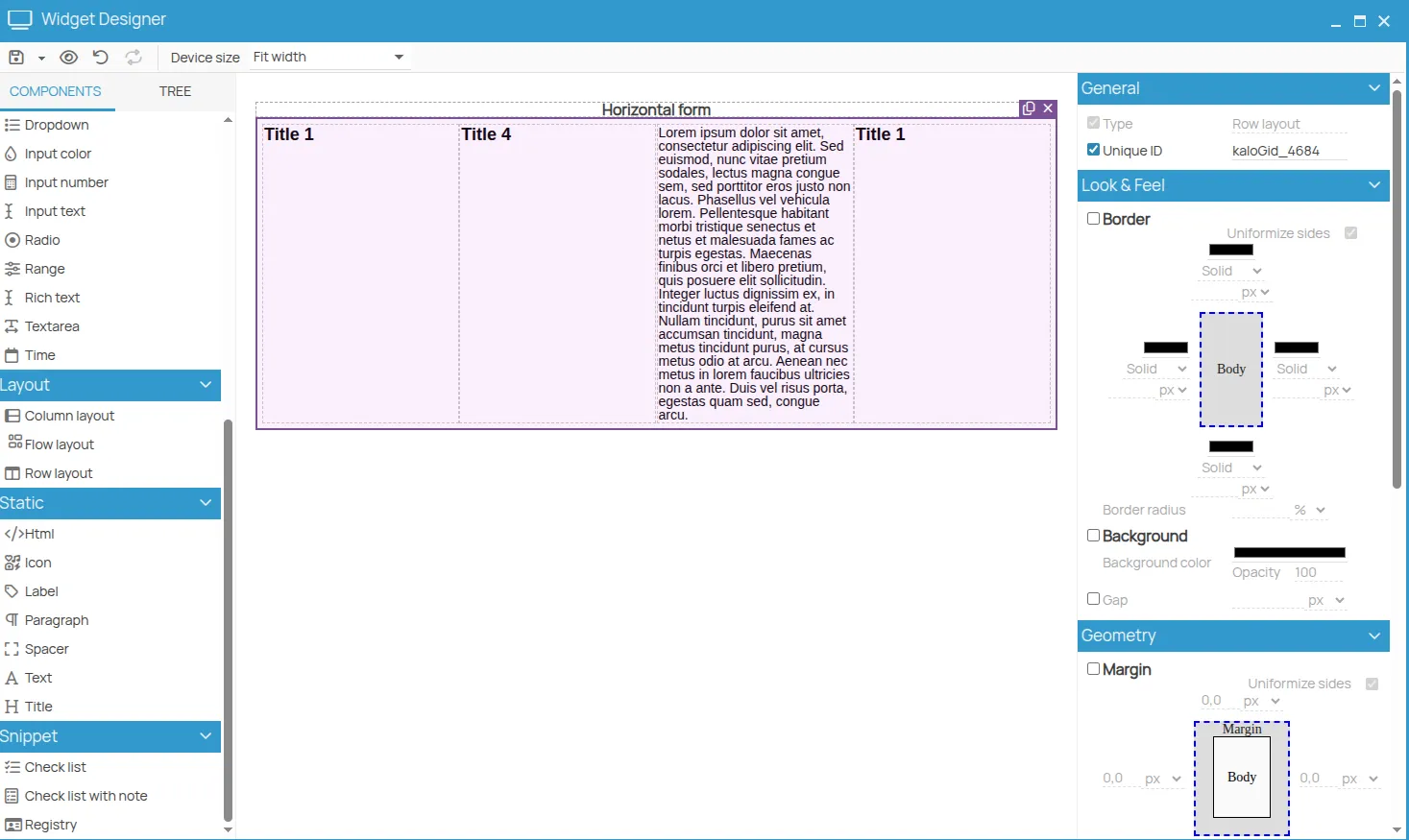
Column layout
Section titled “Column layout”Stacks components one below the other. Inside a row layout, several column layouts form columns side by side.
A table is built from layouts
Section titled “A table is built from layouts”A table is a row layout containing several column layouts, one per column. The properties that make it work:
| Property | Effect |
|---|---|
| Width of each column layout | the width of the column, as a percentage |
| Height with its checkbox cleared | the cells stretch to fill the vertical space |
| Border solid, 1px | draws the grid |
| Padding of the row layout set to 0 | removes the space between columns |
Each row of the table is a row layout: the rows after the first are obtained by duplicating it.
This site is protected by reCAPTCHA and the Google Privacy Policy and Terms of Service apply.