

Manage an action
Once the action exists, its settings determine when it expires and who gets told about it. See Prevention and protection actions for what an action is.
The action is in the office menu, under Actions, in the submenu of its type.
You can work from two places: the Details tab at the bottom of the list, or the action card, opened by double-clicking the row or clicking the link icon.
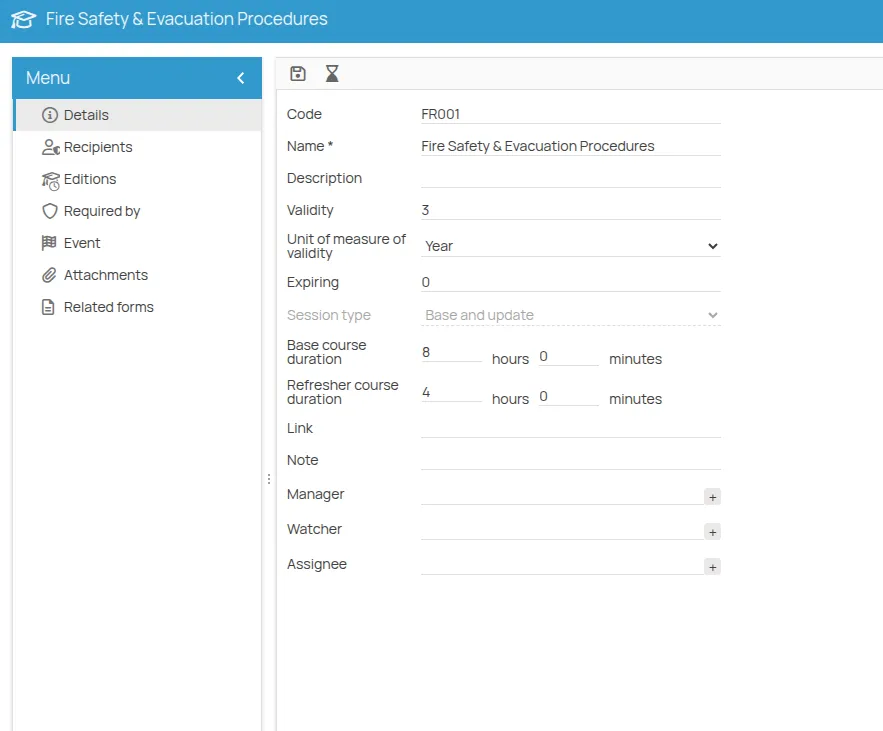
Set validity and notice
Section titled “Set validity and notice”- Open Details.
- Set Validity — the interval between one certificate and its renewal. It is what determines the next expiry date.
- Set Expiring — how many days before the expiry date the action starts being reported as expiring. See Statuses for what each status means.
- Save.
Assign the roles
Section titled “Assign the roles”Three roles can be assigned to an action: Manager, Assignee and Observer.
- In Details, click the + button next to the role.
- Choose among people, office users, or roles defined in the safety organisation chart. You can assign several subjects, from different categories, to the same role.
- Save.
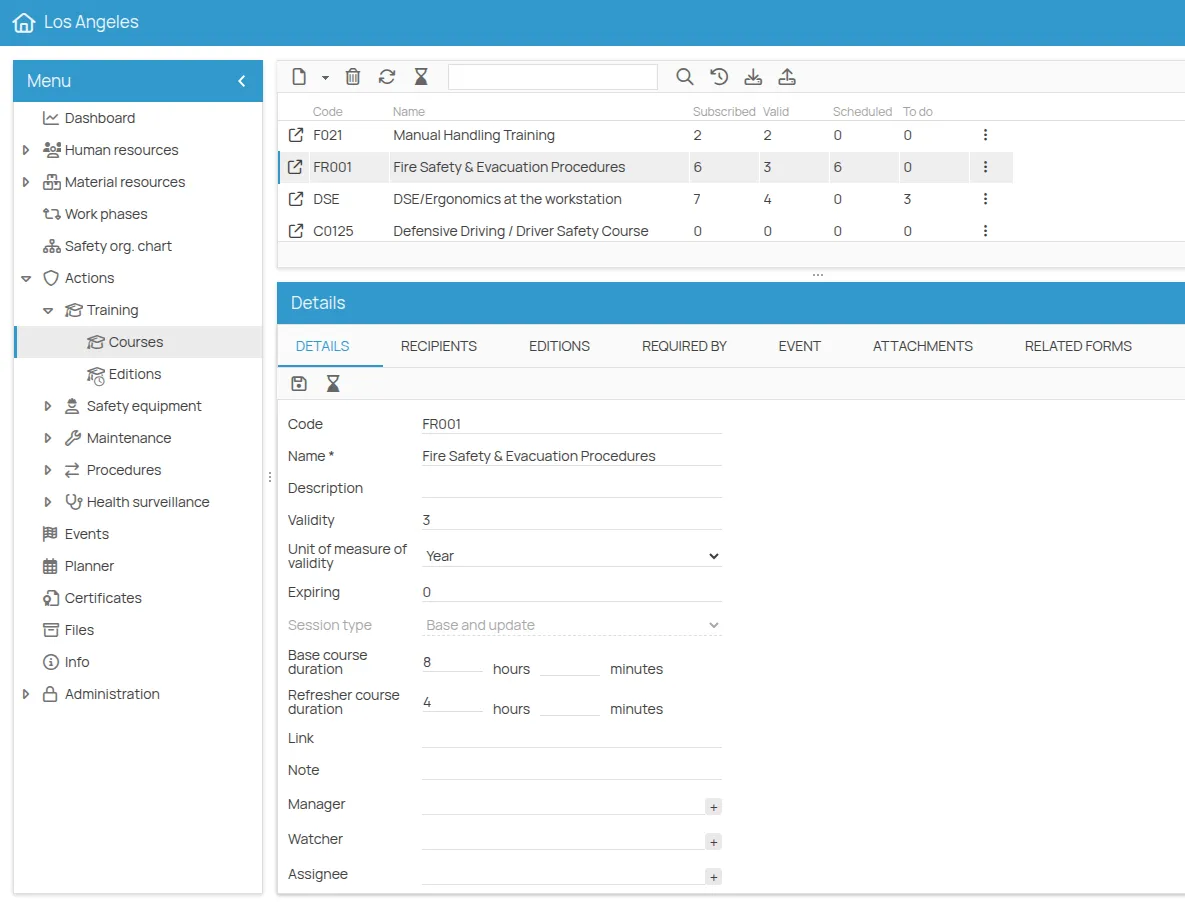
The roles assigned here are inherited by every session planned afterwards for this action. You can override them on a single session without affecting the others.
This site is protected by reCAPTCHA and the Google Privacy Policy and Terms of Service apply.