

Update your personal details
- Open the account panel by clicking your email address in the user menu, at the bottom right.
- Go to Personal information.
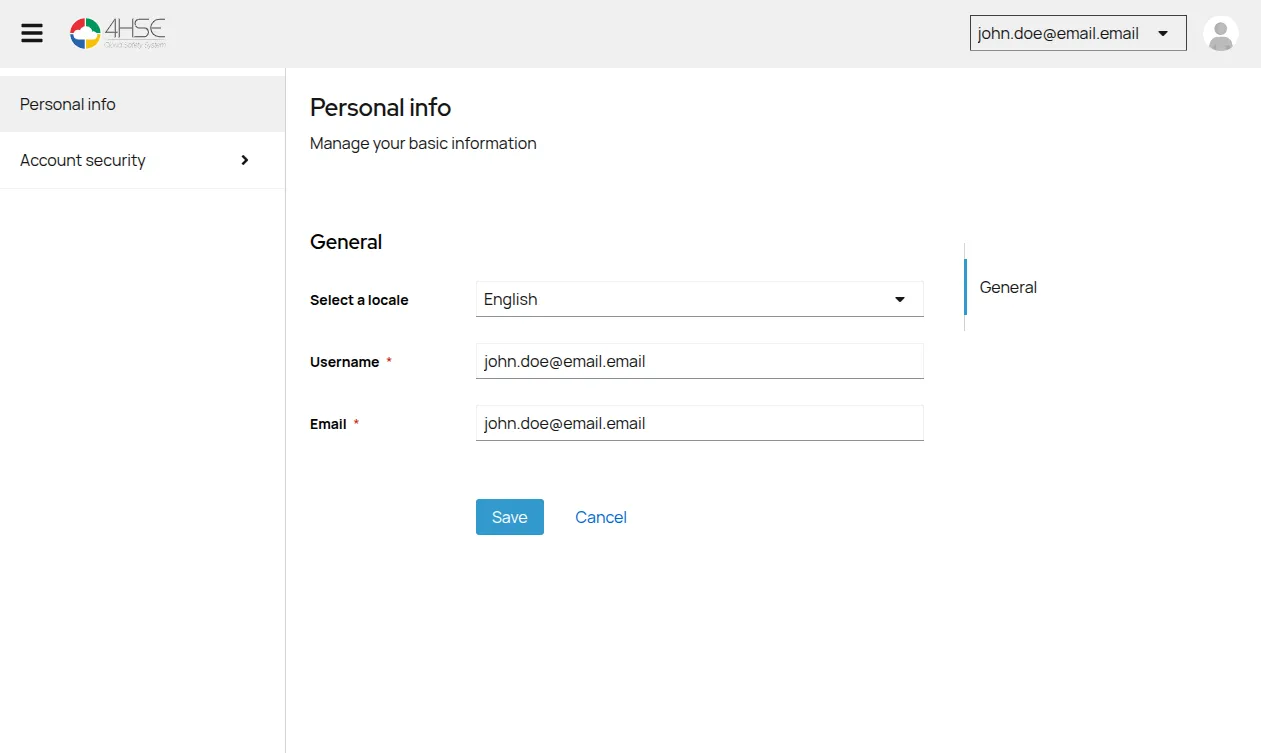
From here you can:
- see the email address linked to the account;
- check your username;
- change the interface language;
- update the other details, such as first and last name, where available.
- Click Save to confirm.
This site is protected by reCAPTCHA and the Google Privacy Policy and Terms of Service apply.