

Link a supplier to an office
Before you start, the supplier must exist: Add a supplier.
-
Open the office where the supplier operates.
-
From the office menu, select Human resources, then Suppliers.
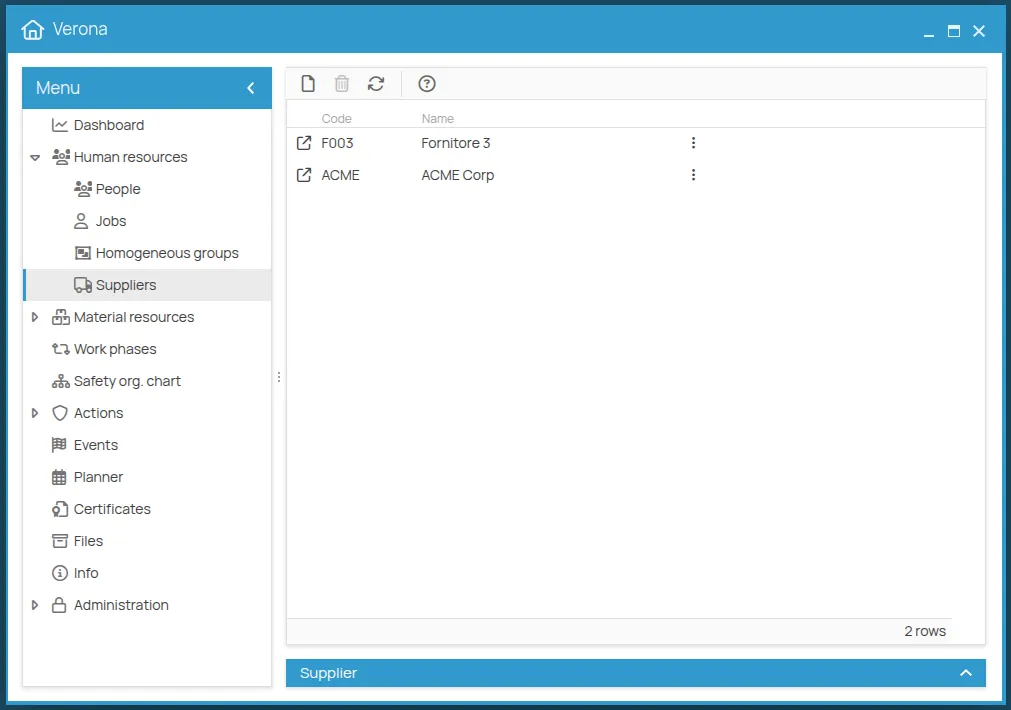
-
Click the new icon and select the supplier.
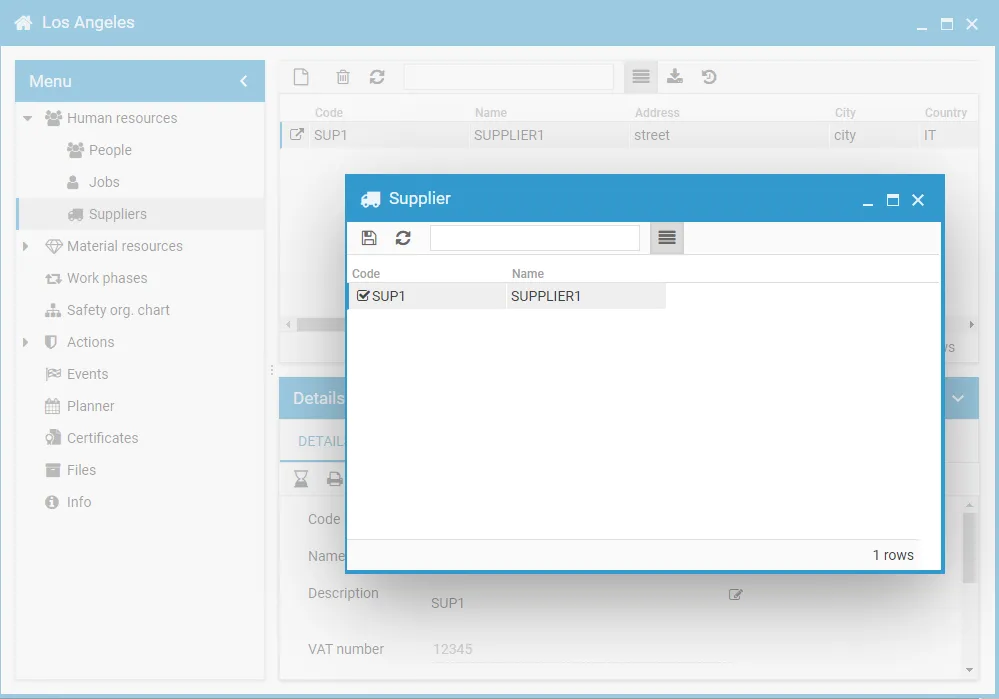
-
Click save.
What the association creates
Section titled “What the association creates”The link is not only an association: it grants permissions in both directions.
| Office role | Role obtained on the supplier |
|---|---|
| Office manager | Supplier admin |
| Office guest | Supplier user |
| Supplier role | Role obtained on the office |
|---|---|
| Supplier user | Office guest |
| Supplier user | Office procedures user |
This site is protected by reCAPTCHA and the Google Privacy Policy and Terms of Service apply.