

Choose where the details appear
In 4HSE windows, selecting a row in a list opens the details panel with the tabs of the item you picked. This preference decides where that panel appears.
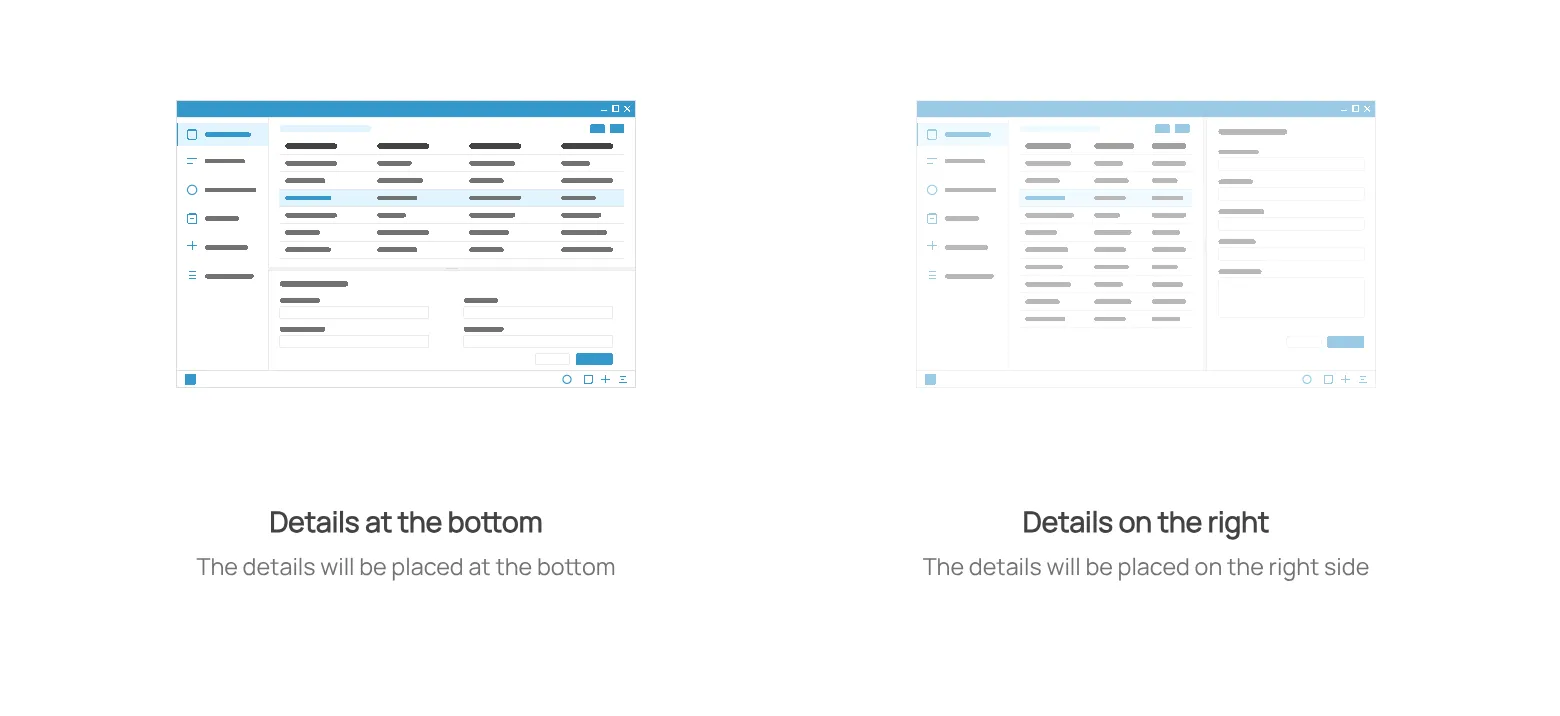
- Details at the bottom — the list takes the full width and the details open in the lower part of the window. More room for the list columns.
- Details on the right — the list stays in the central column and the details open on the right. More room for the detail fields.
Which one suits you depends on the proportions of your screen and on how much of your work happens in the details.
- From the user menu, open User preferences.
- Go to Layout.
- Click the preview of the arrangement you want.
The change needs the page to reload: you are asked to confirm, and if you decline the previous arrangement stays active.
This site is protected by reCAPTCHA and the Google Privacy Policy and Terms of Service apply.