

Reset your password
If you cannot log in because you have forgotten your credentials, you can set a new password yourself. You do not need an administrator.
- On the login screen, select Forgot password?.
- Enter the email associated with your account.
- Select Send.
- Open the email you receive and follow the link.
- Enter the new password twice: the new one and its confirmation.
- Select Submit.
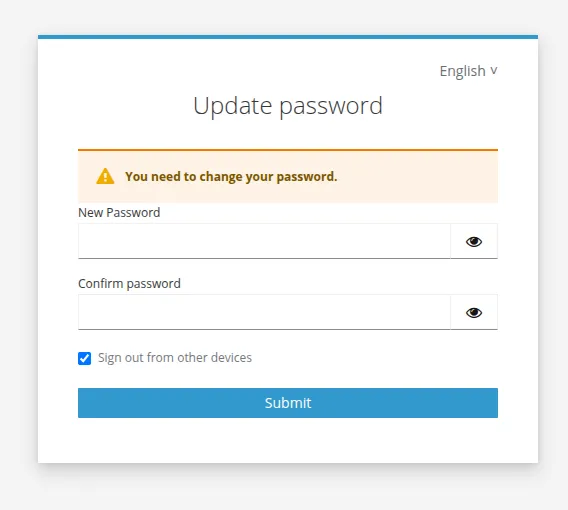
The new password is active immediately.
This same procedure is what unblocks a user who never managed to complete their first login: see Unblock a user stuck in Pending.
If you are already logged in and simply want to change your password, use Change your password instead.
This site is protected by reCAPTCHA and the Google Privacy Policy and Terms of Service apply.