

The widget layouts
Layout components organise the content and determine how elements are arranged on the page. There are three of them, and they can be nested inside one another.
Inline
Section titled “Inline”Mimics the forms of a word processor: components sit side by side and wrap to the next line automatically when they run out of space.
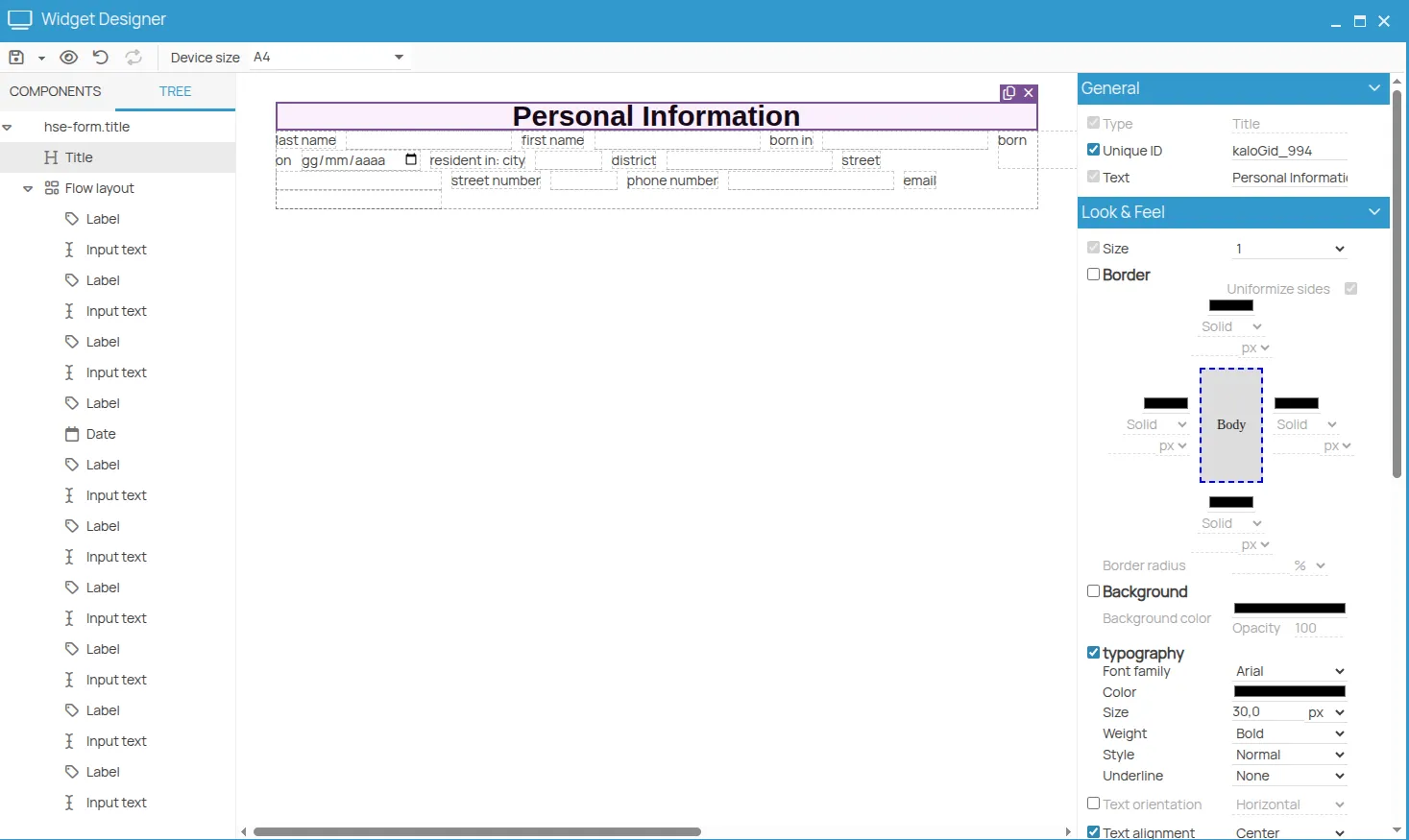
Only some components can be shown this way. Others — titles, labeled inputs — always break to a new line.
Horizontal
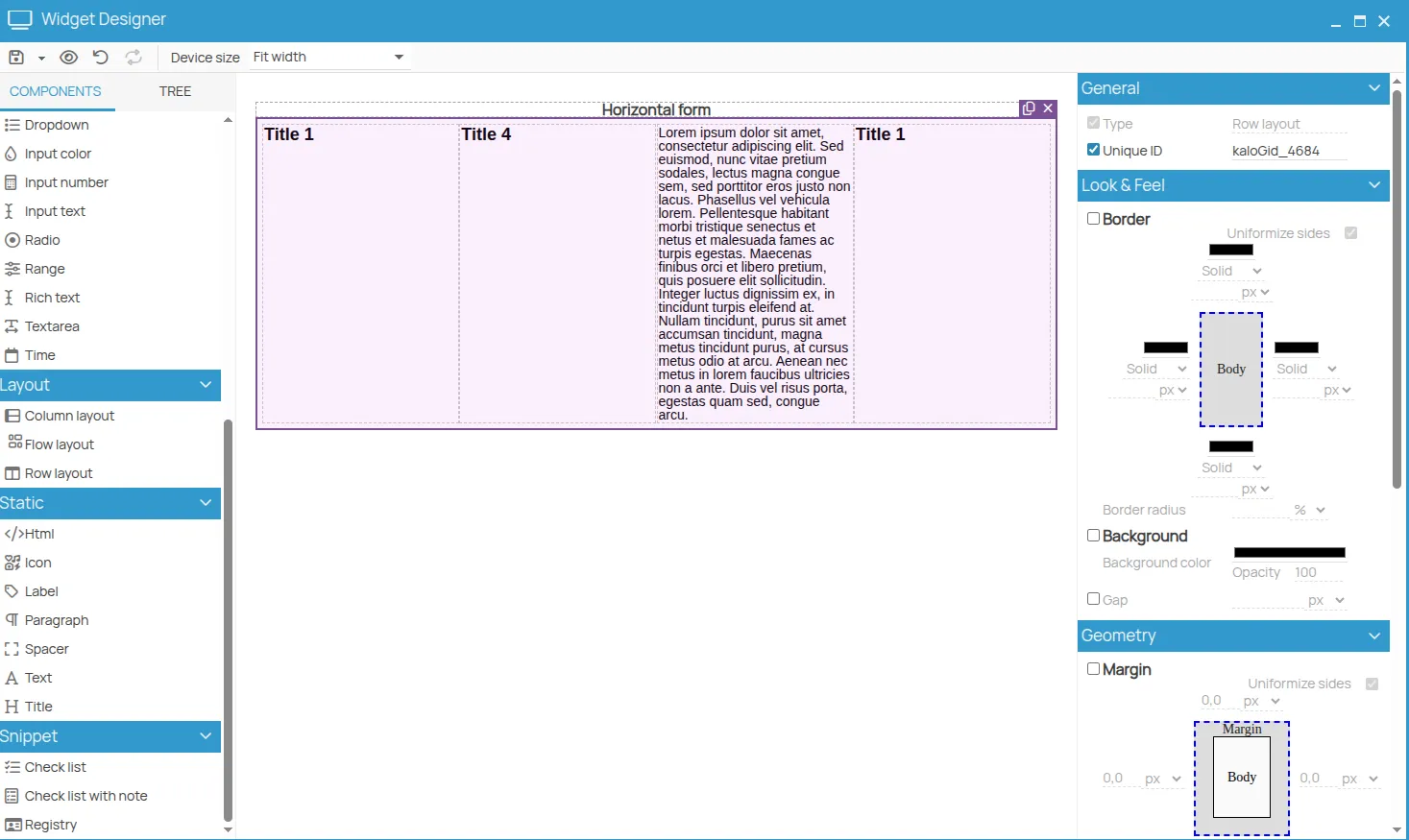
Section titled “Horizontal”Looks similar to inline, but gives control over distribution: elements can be spaced evenly, centred, aligned right.
Vertical
Section titled “Vertical”Stacks the components one under the other. Ideal for simple forms and, combined with horizontal layouts, for building tables and complex arrangements.
Building a table
Section titled “Building a table”A table is a horizontal layout containing several vertical layouts, one per column. The properties that make it work:
| Property | Effect |
|---|---|
| Width of each vertical layout | the width of the column, as a percentage |
| Height disabled via its checkbox | cells stretch to fill the vertical space |
| Border solid, 1px | draws the grid |
| Padding of the horizontal layout set to 0 | removes the gap between columns |
Once the first row is right, duplicate the horizontal layout to obtain the following ones.
This site is protected by reCAPTCHA and the Google Privacy Policy and Terms of Service apply.