

Widgets
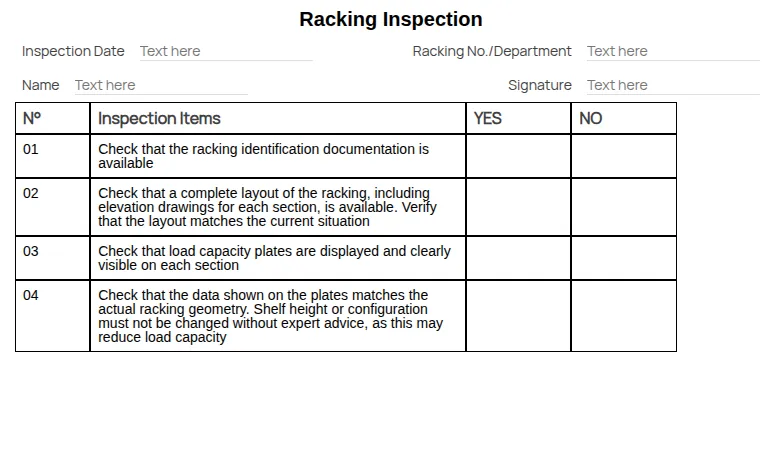
A widget is a small application you build yourself: a form for entering data, a checklist for inspecting a machine, a sheet to fill in and print.
It is made of other widgets. The basic ones — the building blocks available in the editor — are called components, though technically they are widgets too. Combining layout, static and input components produces a tree of elements nested one inside the other, and that tree is your widget.
When do you use a widget, and when a form?
Section titled “When do you use a widget, and when a form?”The editor is the same one used by the advanced checklist, so the tool is not what distinguishes them. What distinguishes them is where they live.
| Form | Widget | |
|---|---|---|
| Lives | attached to an action | as a file in the archive |
| Starts | when the system prompts it | when you open it |
| Produces | an attachment to the certificate | a file you save where you want |
| Answers | ”prove this obligation was met" | "I need a sheet to fill in” |
Use a form when what you collect is the evidence of an obligation, and it must end up on a certificate. Use a widget when you need something to fill in that does not belong to any action — an inspection sheet, an internal survey, a report form.
Template and completed copy
Section titled “Template and completed copy”A widget is saved as a file with the .hf extension: it is a template, and you can run
it as many times as you need. Every time you run it and save, a new file with the .hc
extension is created: that is one completed copy.
This is what makes widgets repeatable without an action behind them — see The .hf and .hc files.
This site is protected by reCAPTCHA and the Google Privacy Policy and Terms of Service apply.